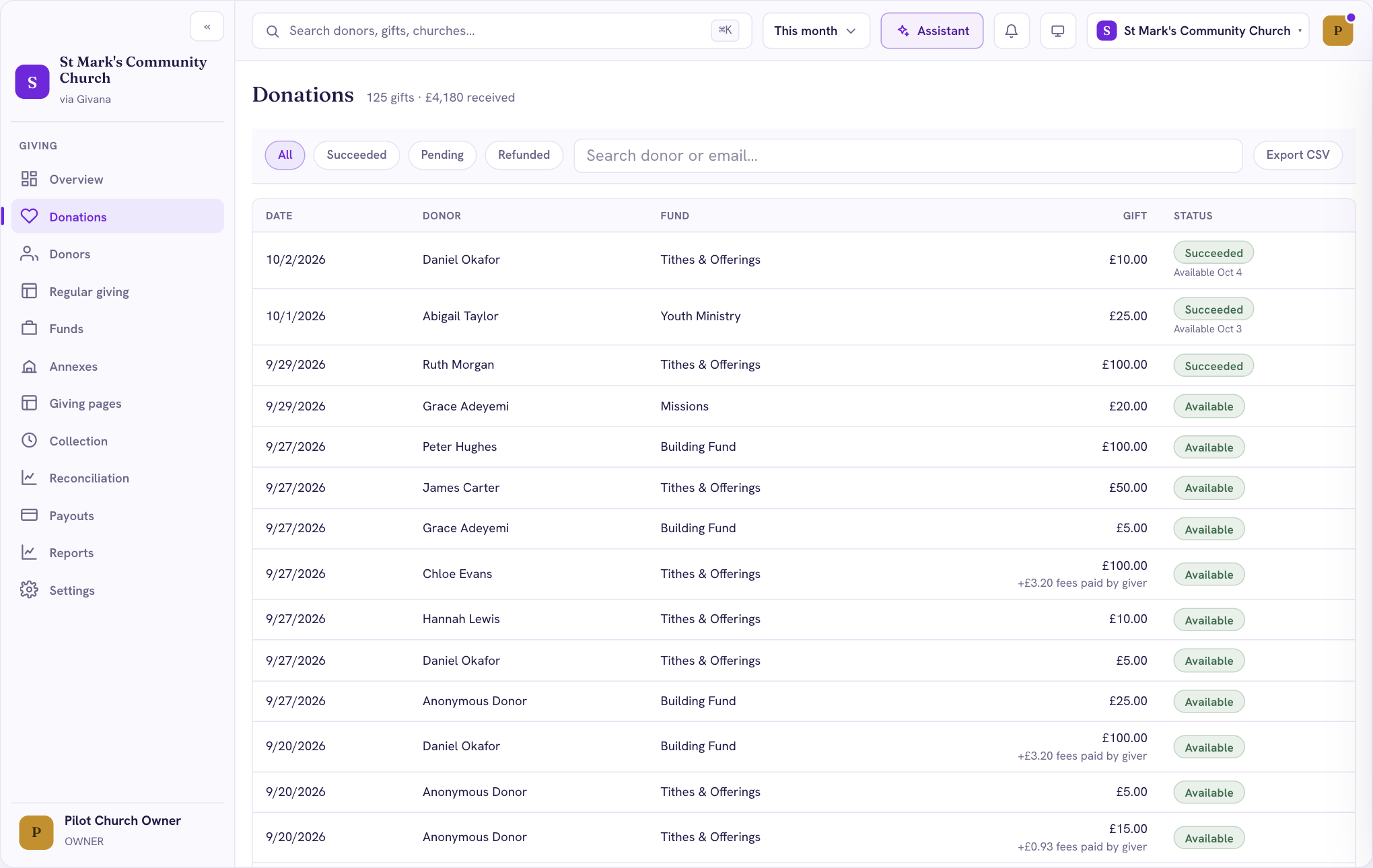
Donations lists every gift your community has received, newest first.
Finding a gift
- Use All, Succeeded, Pending and Refunded to filter.
- Search by the giver's name or email.
- Choose a gift to see its details, including fees, Gift Aid and refunds.
When givers covered the fees, the gift shows the fees underneath, for example "+£3.20 fees paid by giver". Totals always count the gift itself.
Where the money is
Each gift shows its status:
- Succeeded: the payment went through. The date it becomes available is shown underneath.
- Available: it's in your Stripe balance, ready to be paid out.
- Scheduled: it's in a payout on its way to your bank.
- Paid out: it has reached your bank.
Exporting
Choose Export CSV to download the gifts you're looking at. Exports are available to roles that can export reports.
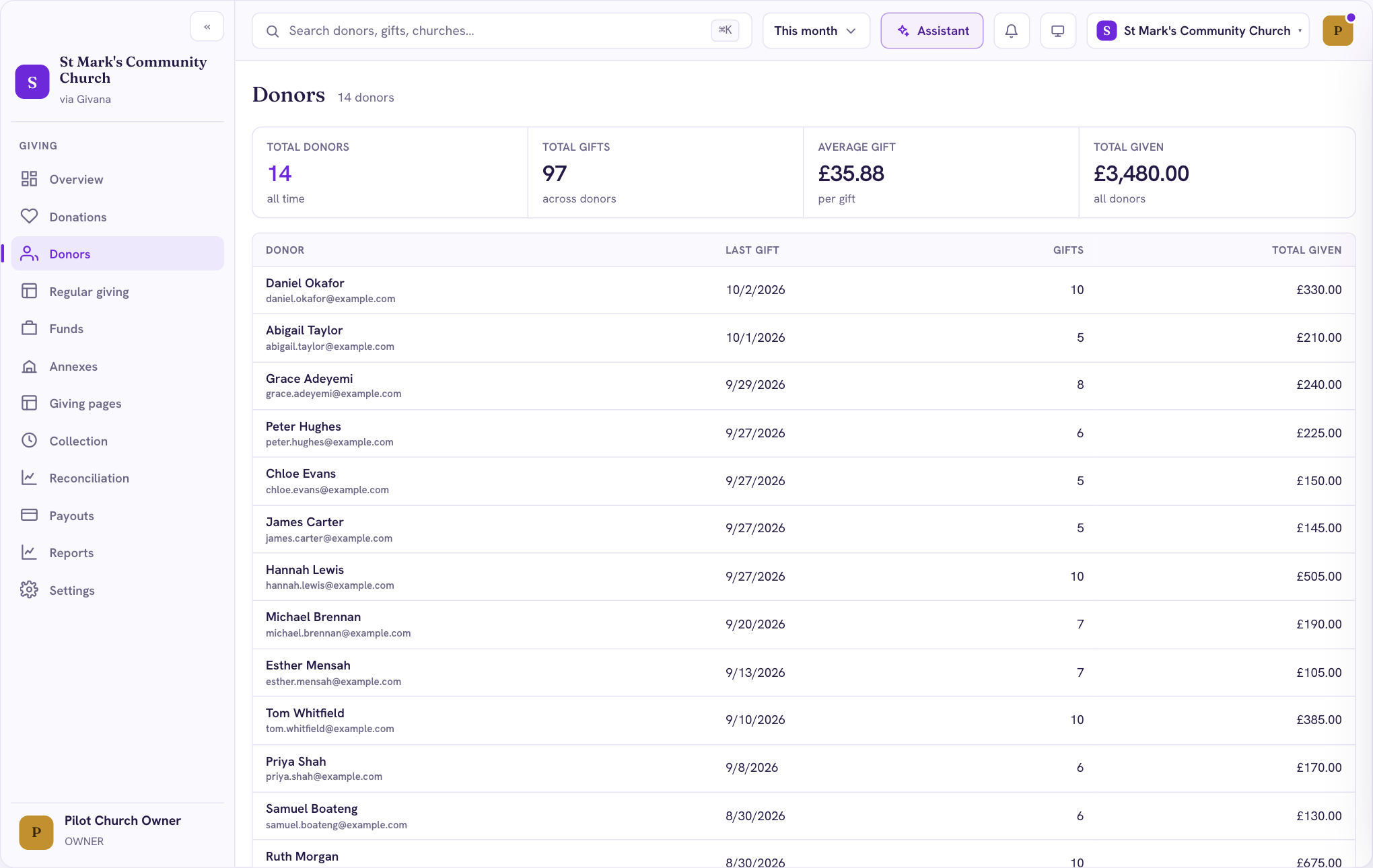
Donors
Donors lists everyone who has given with their name or email, how many gifts they've made and their total.