Two-step verification asks for a code from an app on your phone each time you sign in, so a stolen password alone isn't enough. We strongly recommend it for anyone who can see gifts or givers' details.
Turn it on
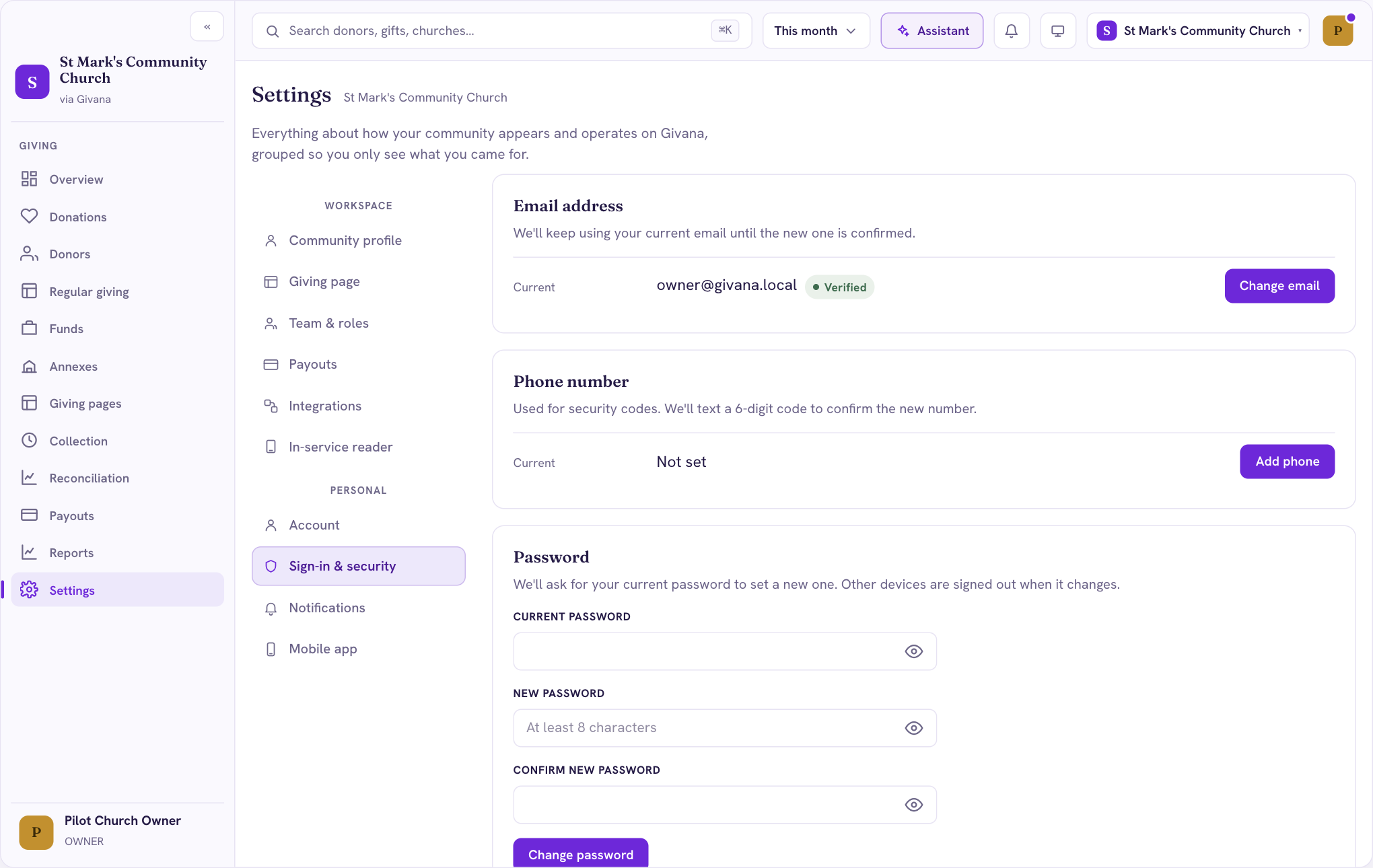
- Go to Settings → Sign-in & security.
- Under Two-step verification, start the setup for an authenticator app (such as Google Authenticator, Microsoft Authenticator or 1Password).
- Scan the code with the app, then enter the 6-digit code it shows.
- Keep your backup codes somewhere safe. They let you sign in if you lose your phone.
From then on, you'll be asked for a code when you sign in.
Also on this page
- Email address: change the email you sign in with. We keep using the current one until the new one is confirmed.
- Phone number: used for security codes.
- Password: change it. Other devices are signed out when it changes.