Every email about your regular gift has a Manage my giving link. It opens a page just for your gift.
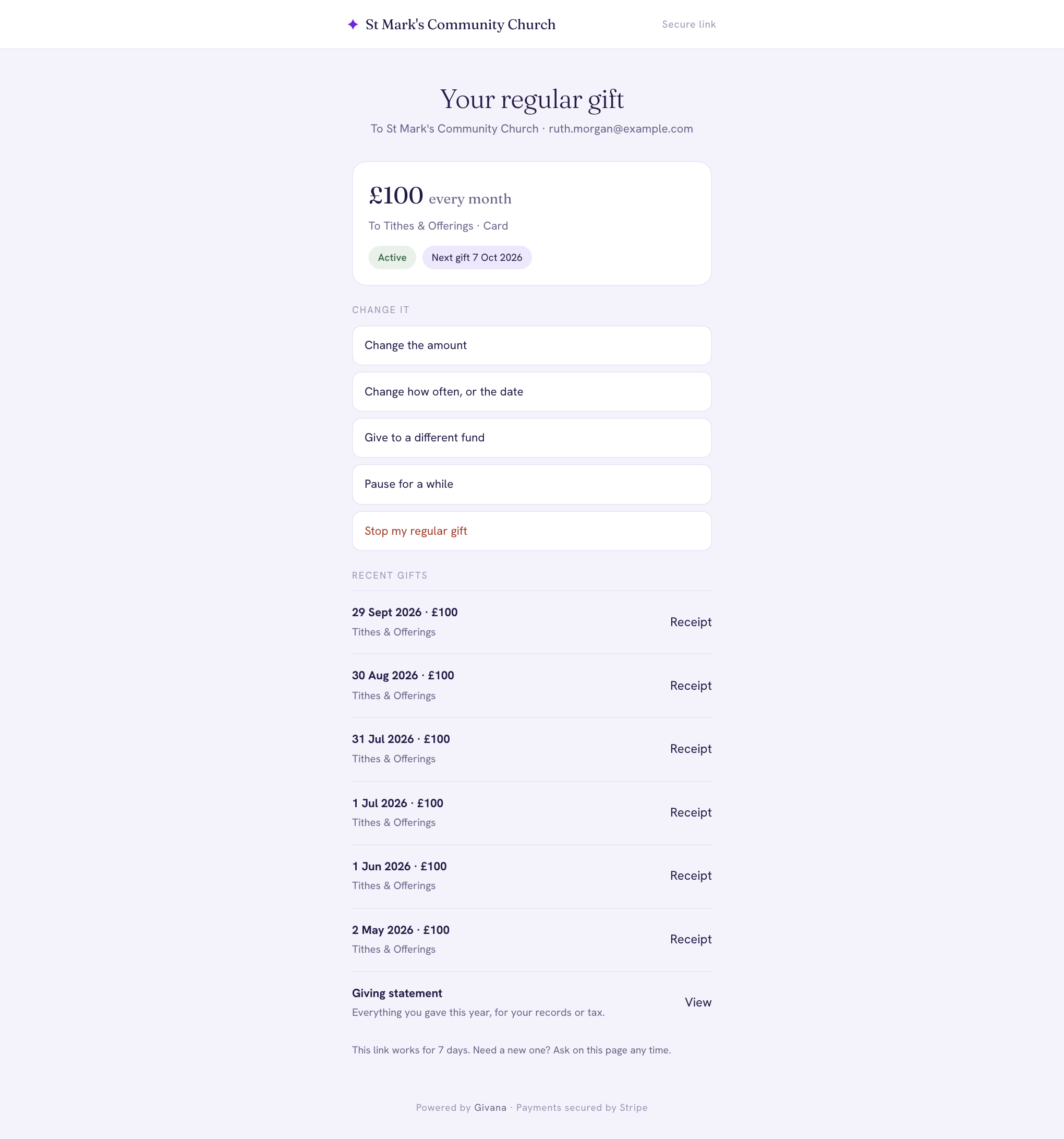
From there you can:
- Change the amount
- Change how often, or the date
- Give to a different fund
- Pause for a while, then resume when you're ready
- Update card or bank details, if your card has changed
- Stop my regular gift
The page also lists your recent gifts, each with its receipt, and your giving statement.
Lost the link?
Links work for 7 days. On the community's giving page, ask for a new one: we'll email it to the address you gave with your gift.
If a payment fails
We'll email you, and Stripe tries again over the next few days. If your card has expired, update it from the manage page so your gift can carry on. We also email you before your card expires.