Gifts made through Givana go into your community's own Stripe account, and Stripe pays them out to your bank. Givana never holds your money. Before you can take gifts, you need to connect Stripe.
Connect
- Go to Settings → Payouts.
- Choose Connect with Stripe.
- Stripe asks for details about your organisation, the people responsible for it, and the bank account to pay into. Have your charity number (if you have one) and bank details ready.
- When you're done, Stripe sends you back to Givana.
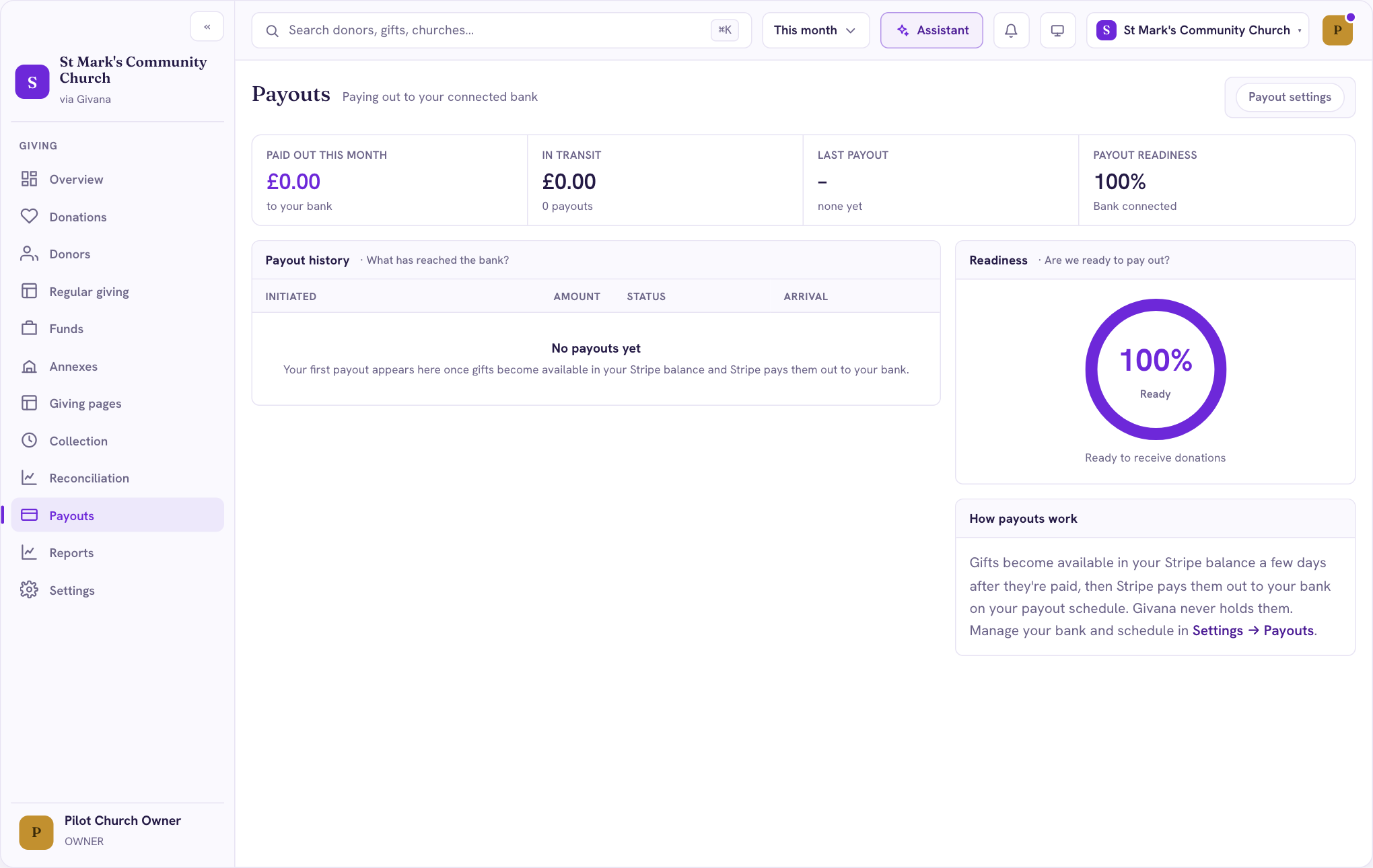
Payout readiness
Stripe sometimes needs more information before it can pay out, for example to confirm someone's identity. Payout readiness on the Overview and Payouts pages shows how close you are. If it's below 100%, open Settings → Payouts and choose Finish connecting to see what Stripe still needs.
Good to know
- Only owners can disconnect Stripe.
- If you disconnect Stripe later, your gift history stays in Givana.