Most communities have more than one person looking after money. Invite them, and give each person the role that fits.
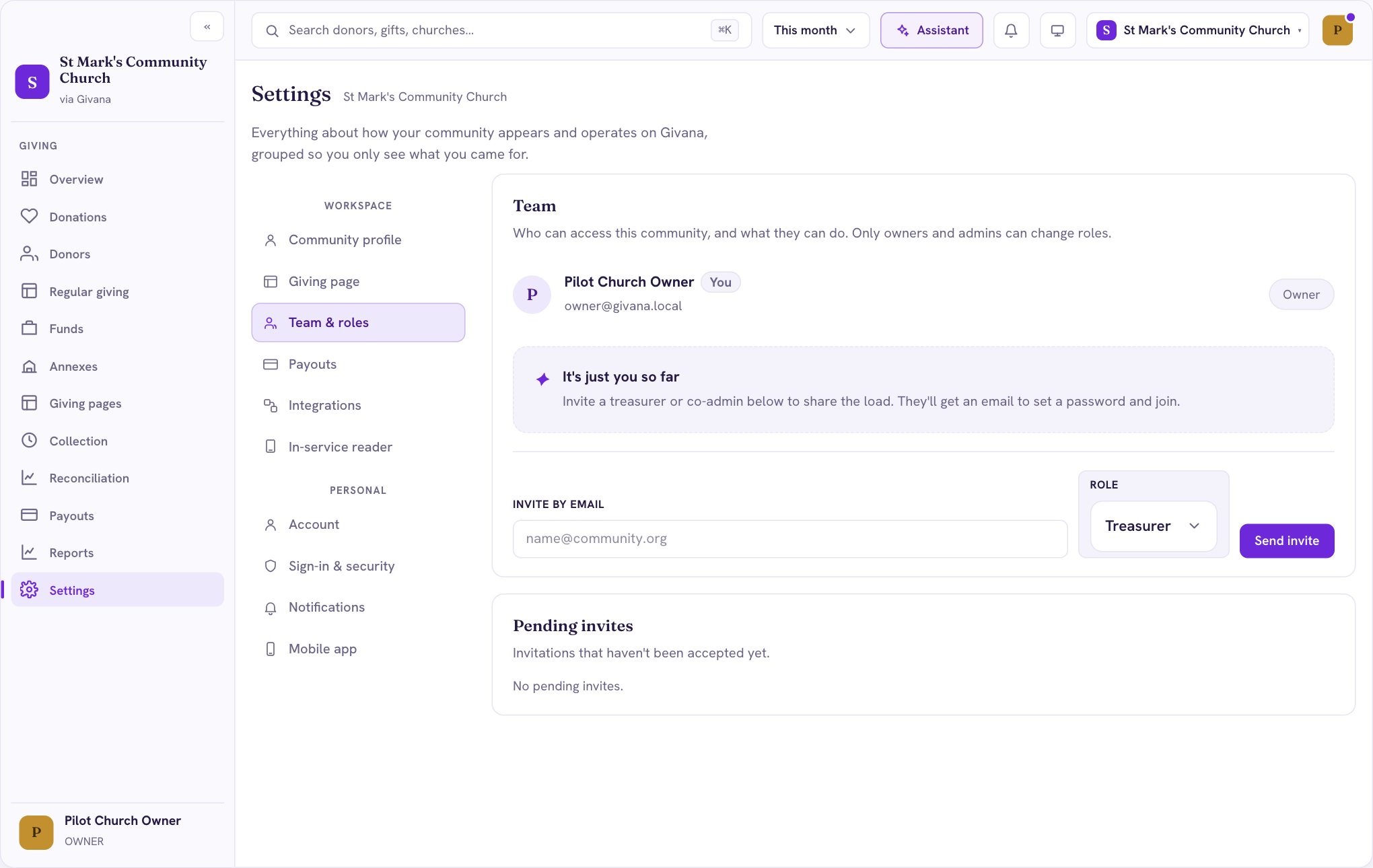
Send an invite
- Go to Settings → Team & roles.
- Under Invite by email, enter their email address.
- Choose their Role, then Send invite.
They get an email to set a password and join. Until they accept, the invite is listed under Pending invites.
Roles
Each role can see and do different things, so choose the one that fits what the person does, such as Treasurer for whoever handles the money. Only owners and admins can change people's roles.
If someone leaves, remove them from Team & roles so they can no longer sign in to your community.